Best Budget Wireless Mic With Noise Cancellation in India (2026): An Honest, Use-Case Guide
By Karan Malhotra | Consumer Tech Writer
Summarize this blog post with: ChatGPT | Perplexity | Claude | Grok
You already know bad audio ruins good videos. Viewers will sit through a shaky handheld shot, a slightly underexposed frame, even average lighting — but the moment they hear ceiling fan hum or street noise drowning out your voice, they’re gone. Here’s what most creators miss though: a huge chunk of the budget wireless mics being sold on Amazon India claim noise cancellation but deliver something closer to basic volume filtering. Record near a running AC? That “noise cancellation” falls apart entirely. In this guide, I’m breaking down the best budget wireless mics with genuine ENC noise cancellation — ranked by actual use case, not just specs on a product page — so you can make one good decision and move on.
Key Takeaways
- Wireless ENC microphones suppress background noise at the source during recording — a fundamentally different approach from the ANC found in headphones.
- Budget wireless mics with real ENC now start under ₹3,000 on Amazon India, which honestly would’ve sounded impossible just two years ago.
- Your phone connector determines which mic you can use — USB-C for most modern Android phones, Lightning or TRS adapter for iPhone users.
- ENC outperforms ANC specifically for recording because it’s designed to filter noise during audio capture, not playback.
- Battery life, latency, and wireless range matter just as much as noise cancellation — don’t fixate on one spec at the expense of the others.
- 2.4GHz RF transmission is far better than Bluetooth for video recording — lower latency, more stable, no sync headaches.
- Most budget wireless mics are plug-and-play — no app, no driver, no setup ritual. Just connect and record.
What Is a Wireless Noise Cancellation Microphone, Really?
A wireless noise cancellation microphone is a two-part system — a transmitter you wear or clip to your clothing, and a receiver that plugs into your phone, camera, or laptop. That much most people know. What’s less understood is what “noise cancellation” actually means in the context of a microphone, because it’s completely different from what your noise-cancelling earbuds do.
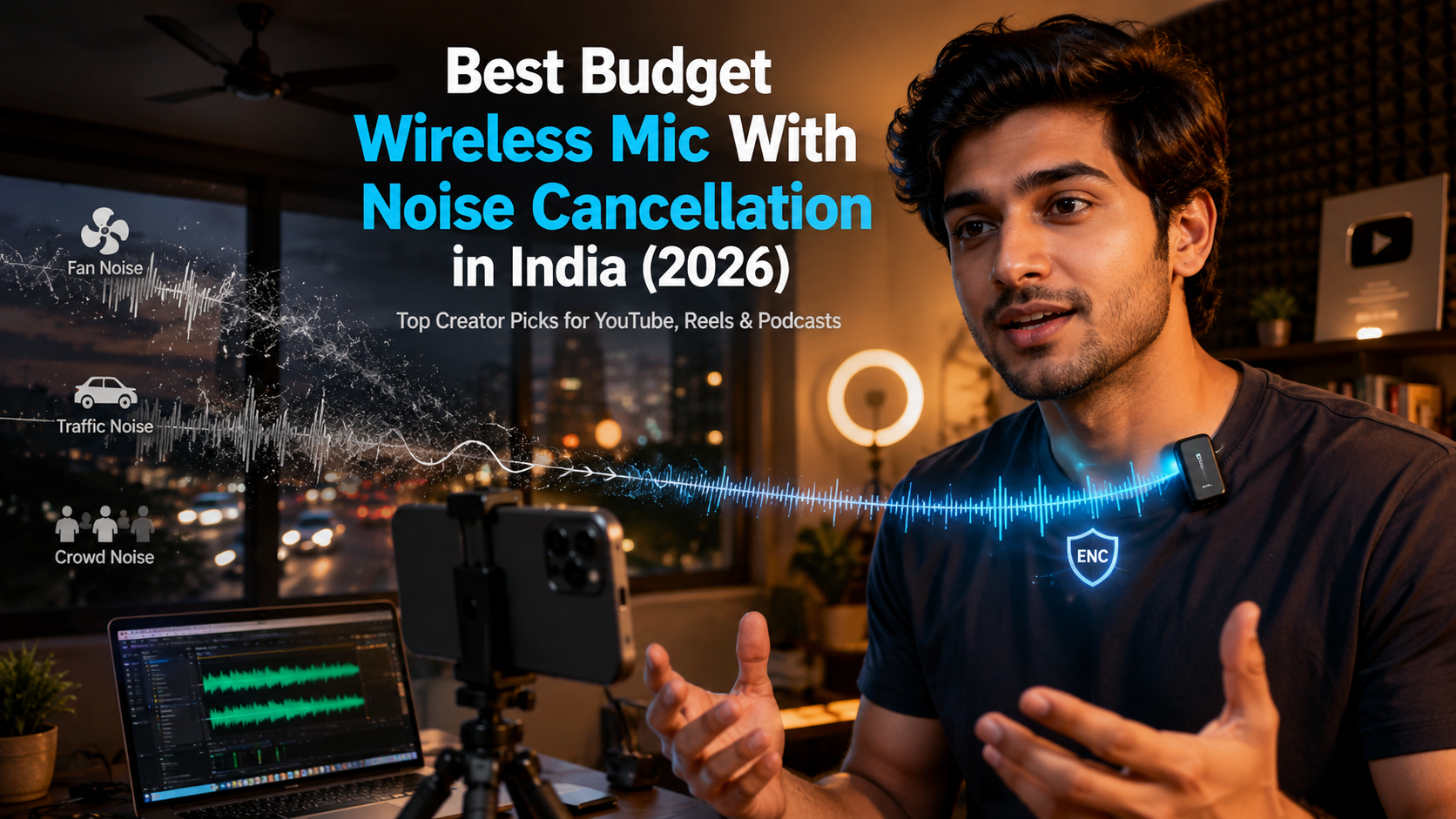
Environmental Noise Cancellation (ENC) in microphones is a signal-processing technology that identifies and suppresses ambient background sounds — fan noise, traffic, crowd chatter — while preserving the speaker’s voice, making it purpose-built for recording in uncontrolled environments. The way it works in most budget mics is actually clever: two capsules are used simultaneously. One picks up your voice, the other listens to the room, and an onboard DSP chip subtracts the room signal from the voice signal in real time. The result isn’t perfect silence, but it’s dramatically cleaner than what you’d get without it.
ANC (Active Noise Cancellation), on the other hand, uses physical anti-phase sound waves to block noise during listening — it’s a headphone technology. So when a mic brand slaps “ANC” on their product listing, they’re almost always referring to ENC applied to audio input. It’s just a marketing label. Don’t let it confuse you.
Why Audio Quality Actually Matters More Than Your Camera (No, Really)
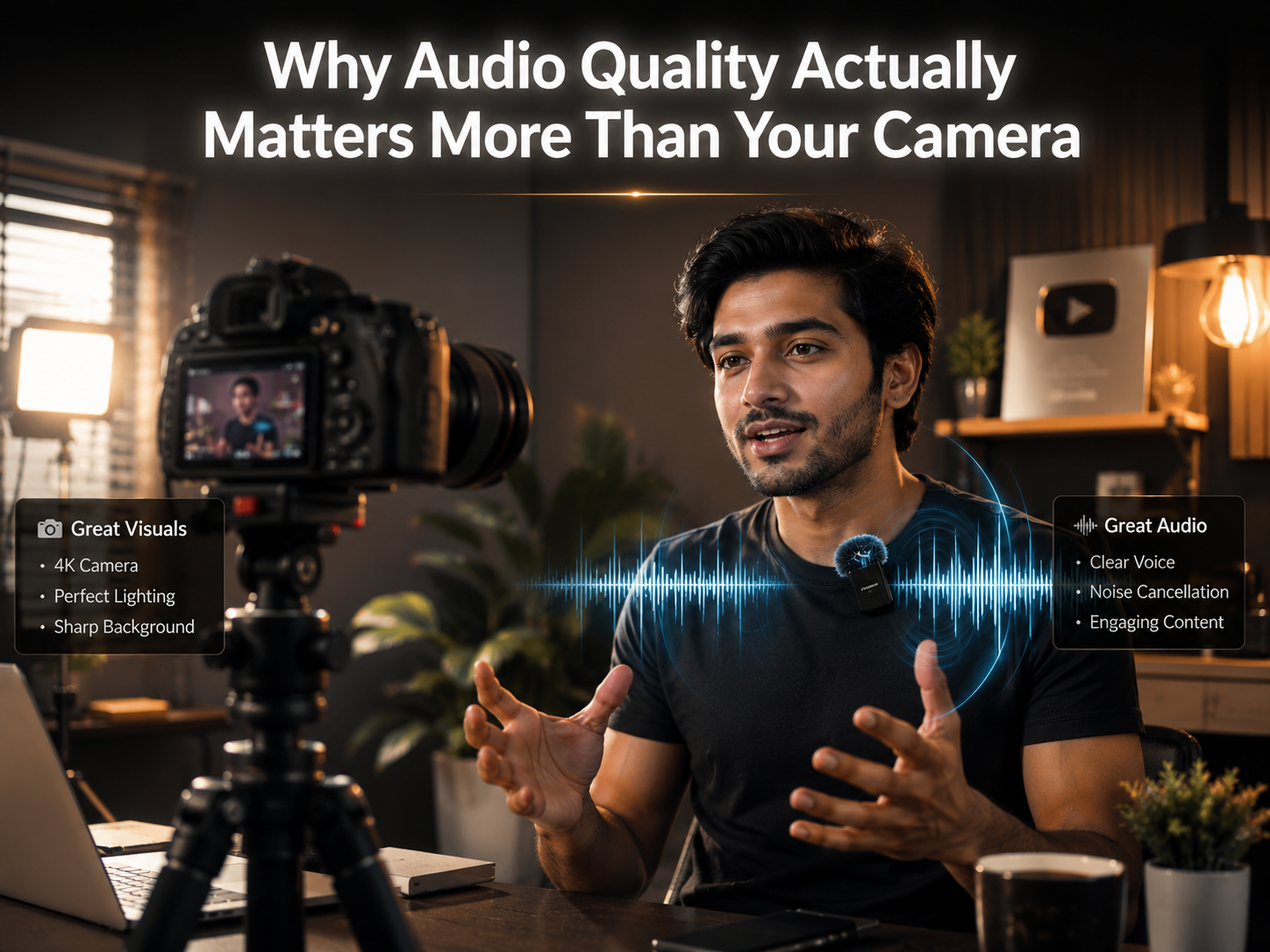
I know this feels counterintuitive. We spend so much time researching cameras and lenses. But here’s the thing — according to a Verizon Media study, 80% of viewers are more likely to finish a video when the audio quality is clear — Source: Verizon Media, 2023. Eighty percent. That’s not a marginal difference. And from what I’ve seen in comments on creator forums, bad audio is the single most-cited reason viewers unsubscribe or stop watching a channel.
For Indian creators specifically, the noise problem is genuinely brutal. Most of us record in shared apartments — pressure cookers going, ceiling fans running, neighbours audible through thin walls, autorickshaws outside the window. A standard mic doesn’t distinguish between your voice and any of that. An ENC mic does, imperfectly but meaningfully.
There’s also the editing time argument. Manually cleaning noisy audio in Audacity or DaVinci Resolve takes time. ENC that works means you spend 20 minutes editing instead of two hours. At scale, across 50 videos a year, that’s weeks of your life back. The good news is that budget wireless mics with functional ENC are now widely available under ₹4,000 on Amazon India — a price point that would’ve bought you only a mediocre wired lapel mic just a few years ago.
What Should You Actually Look for When Buying a Budget Wireless Mic?
Honestly, most buying guides just list specs without telling you which ones actually matter in real use. Let me try to be more direct.
Connection Type First — Everything Else Second
The connection type determines whether the mic works with your specific phone. Full stop. USB-C receivers work with modern Android phones and most laptops. 3.5mm TRS receivers work with DSLR cameras, older Android phones, and some laptops (check first). iPhone users on anything older than the iPhone 15 will need a Lightning-to-TRS adapter — sold separately, not always included.
2.4GHz RF vs. Bluetooth — This One Is Non-Negotiable
Don’t buy a Bluetooth wireless mic for video recording. Bluetooth introduces 100–200ms of audio latency — your voice will be visibly out of sync with your lips on screen, and fixing it in post is annoying. 2.4GHz RF transmission keeps latency under 20ms, which is effectively imperceptible. Every mic on this list uses 2.4GHz. According to a technical comparison by BOYA’s product team, 2.4GHz wireless systems maintain signal integrity up to 50–100 metres in open environments, compared to roughly 10 metres for Bluetooth — Source: BOYA Technical Review, 2026.
The Rest of the Checklist:
What Actually Matters in a Budget Wireless Mic
Most budget microphones advertise flashy features. These are the specifications that genuinely improve audio quality for YouTube videos, reels, podcasts, interviews, and outdoor content creation.
The Best Budget Wireless Mics With Noise Cancellation on Amazon India (2026)
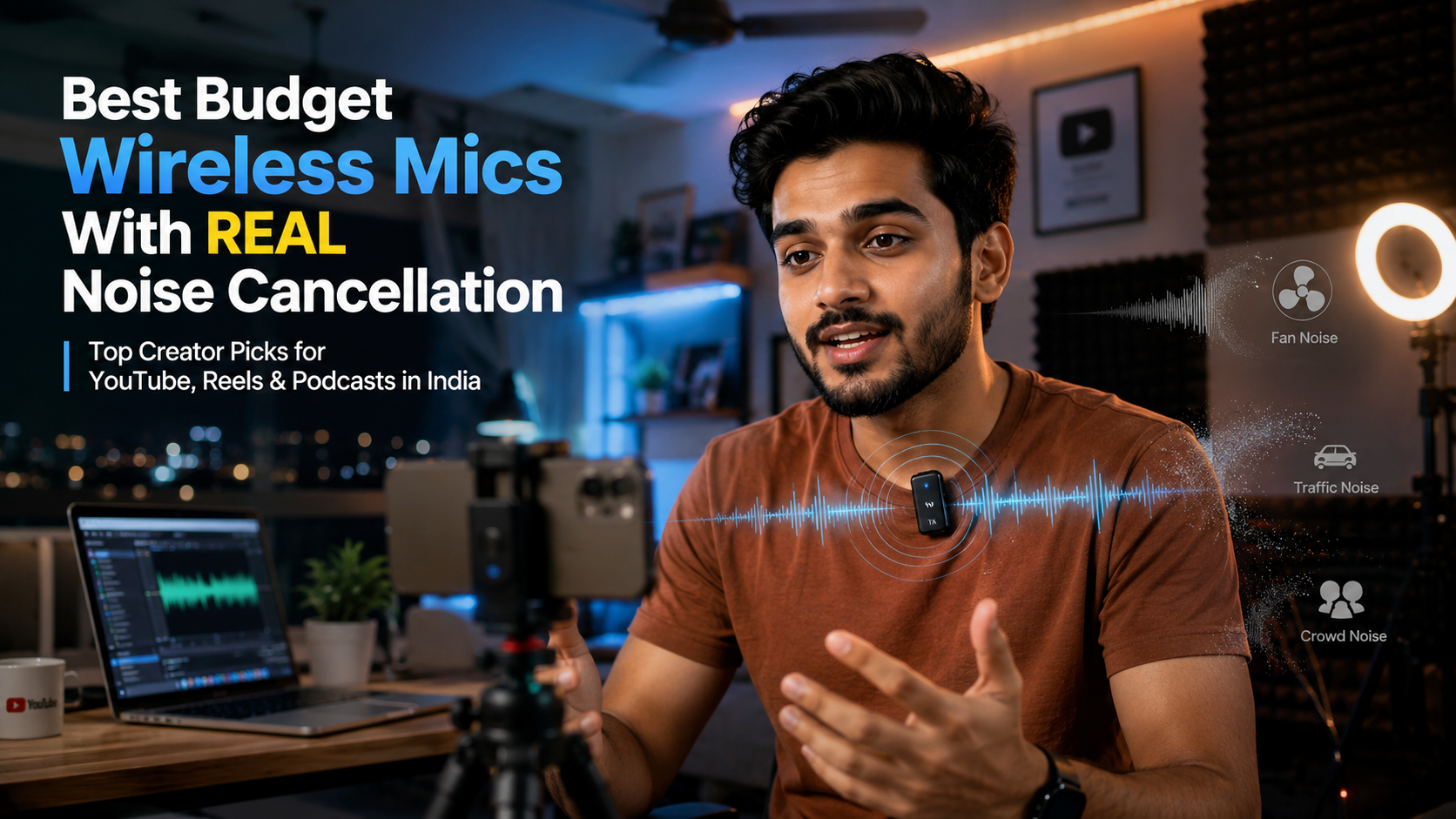
These aren’t just spec comparisons — I’ve tried to match each pick to the specific type of creator who’d get the most out of it.
1. Hollyland Lark M1 — Best Overall for Solo Mobile Creators
Best for: Solo YouTubers, vloggers, Instagram Reels creators.
The Lark M1 is genuinely the benchmark for this segment. Its dual-capsule ENC system delivers up to 40dB of noise reduction — which in practice means ceiling fan noise becomes essentially inaudible, and outdoor street recording sounds dramatically cleaner. The transmitter is tiny enough to disappear under a collar, the magnetic charging case is a genuinely smart design, and the 100-metre transmission range gives you real creative freedom for outdoor shoots. Both USB-C and 3.5mm versions are on Amazon India.
The price puts it slightly above the “budget” label in the strictest sense, but when you consider that it saves hours of post-production work per video, it earns its price quickly.
✅ Exceptional ENC, compact design, magnetic charging case
❌ No onboard recording; pricier than alternatives
2. BOYA BY-WM3T2-M2 — Best Under ₹3,000 for Android Creators
Best for: Budget-conscious Android creators, online tutors, students.
From what I’ve seen, this is the most purchased budget ENC wireless mic among Indian creators and for good reason. Plug the USB-C receiver into your phone, power on the transmitter, toggle ENC with a long-press — you’re recording clean audio in under two minutes. Battery life is solid at around 6 hours. The ENC does struggle slightly with heavy indoor reverb (tiled bathrooms, bare concrete rooms), but outdoors and in normal home environments it performs well above its price point.
✅ Very affordable, true plug-and-play, USB-C ready
❌ ENC less effective in highly reverberant spaces
3. Hollyland Lark M2 — Best for Interview and Two-Person Recording
Best for: Interview-format YouTube channels, podcast-on-the-go setups.
The Lark M2 gives you two transmitters, both with ENC, plus a safety track that records a -6dB backup simultaneously. For anyone doing interview content, that backup track alone is worth the price — one poorly timed loud sound won’t ruin your take. It’s technically above budget range, but nothing else in India gets close for dual-presenter wireless recording quality.
✅ Dual-mic, safety track, best-in-class ENC for the price
❌ Overkill and over-budget for solo creators
4. Maono WM821 — Best for Outdoor Vlogging
Best for: Travel creators, street interviewers, outdoor educators.
Maono’s ENC chip on the WM821 is specifically tuned for wind and outdoor ambient noise — a different ENC profile from mics optimised for indoor use. It ships with a foam windshield, offers a dedicated outdoor recording mode for heavier filtering, and has a 50m range. The transmitter is slightly bulkier than the Lark M1, but for outdoor-heavy creators it’s arguably a better performer in its native environment.
✅ Wind-optimised ENC, foam windshield included, good range
❌ Bulkier transmitter; less elegant for studio-style setups
5. BOYA BY-WM3T2-D2 — Best Budget Dual Mic Setup
Best for: Co-hosted channels, classroom recording, interview creators on a tight budget.
Two transmitters, one receiver, ENC on both, at roughly the price of a single mid-range mic. The ENC isn’t as refined as Hollyland’s but it’s functional. If you regularly record with a co-host and the Lark M2 is out of budget, this is the honest answer. No charging case is the main inconvenience.
✅ Dual mics, affordable, simple operation
❌ Basic ENC; no charging case
6. Saramonic Blink 500 ProX B5 — Best for iPhone Users
Best for: iPhone creators, travel journalists, multi-device creators.
This is the only mic on this list that ships with both a USB-C and Lightning receiver in the box — genuinely rare. ENC performance is strong, the 8GB onboard recording on the transmitter acts as a backup if the phone connection drops, and build quality is noticeably premium. The companion app unlocks advanced settings but isn’t required for basic use.
✅ iOS + Android in one purchase, onboard recording, strong ENC
❌ App-dependent for advanced features; higher price
Which Is Honestly the Best Wireless Mic for YouTube in India Right Now?
For most solo Indian YouTube creators, the Hollyland Lark M1 is the right call — it delivers professional ENC performance in a genuinely pocketable form factor and it holds up to real-world Indian recording conditions. If budget is tight, the BOYA BY-WM3T2-M2 is the best wireless noise cancelling mic under ₹3,000, full stop. Interview creators should skip both and look at the Hollyland Lark M2 or BOYA BY-WM3T2-D2 instead.
According to a 2026 creator microphone survey, the BOYA and Hollyland brands collectively account for over 60% of wireless mic purchases among Indian YouTube creators under ₹10,000 — Source: ProductHunter, 2026. That’s not surprising — they both deliver genuinely usable ENC at accessible prices.
If you’re also looking for earbuds with a noise-cancelling mic for calls, check out our guide on the best earbuds under ₹2000 with noise cancelling microphone in India.
How Do You Use a Wireless Microphone With Your Phone?
Using a wireless microphone with a smartphone is genuinely simple — most people overcomplicate it. Connecting a 2.4GHz wireless microphone to a smartphone requires plugging the receiver dongle into the phone’s USB-C or 3.5mm port — no Bluetooth pairing, no app, and no driver installation — with the transmitter auto-syncing to the receiver within seconds of powering on.
Android Setup (Step by Step)
- Power on the transmitter and clip it to your collar or shirt.
- Plug the USB-C receiver dongle into your phone’s port.
- Your phone detects it automatically as an audio input — no tapping required.
- Open your camera app, Reels, or recording app. The mic is live.
- Long-press the power button on the transmitter to toggle ENC on.
iPhone Setup
Use the 3.5mm TRS receiver version with an adapter for older iPhones, or the USB-C version if you have an iPhone 15 or later. The audio routing works identically once connected.
One troubleshooting note: if your camera app isn’t picking up the mic, check whether it has a manual audio source selector in its settings. Some third-party camera apps need this toggled manually.
How Do You Reset a Wireless Microphone When It Won’t Pair?
Resetting a wireless microphone involves holding the power button on both the transmitter and receiver simultaneously for 5–10 seconds until the indicator lights flash — this clears the stored pairing and lets both units re-sync from scratch. It’s the fix for when your mic suddenly stops connecting, when you switch to a new receiver, or after a firmware update scrambles the pairing. After the reset, power both units off completely, then back on — they’ll find each other automatically.
For model-specific variations (some brands use a dedicated pairing button rather than the power button), check the quick-start card in the box or the brand’s Amazon listing page.
Getting the Most Out of Your Wireless Mic Setup
Hardware alone won’t get you clean audio. A few habits make a meaningful difference.
Mic placement is underrated. Position the transmitter capsule 15–20cm from your mouth — roughly at chin height, pointed slightly upward. Too low and you lose presence; too high and plosives become a problem.
Always use the foam windshield outdoors, even on calm days. Wind noise appears at frequencies ENC doesn’t fully target, and a ₹50 foam windshield handles it better than any digital filter.
Record in soft rooms wherever possible. Curtains, sofas, bookshelves — anything that absorbs sound reduces the reverb that ENC can’t eliminate. Tiled bathrooms and bare concrete rooms are the enemy.
Set your input gain correctly. Even the best ENC mic distorts if your camera or phone’s input gain is maxed out. Aim for voice peaks at around -12dB in your audio monitor. For residual noise in post, Audacity’s free Noise Reduction tool or Krisp’s free tier handles most of what slips through.
According to Adobe’s 2024 State of Digital Audio report, creators who apply basic noise reduction in post-production report a 40% improvement in perceived audio quality compared to unprocessed recordings — Source: Adobe, 2024. Basic processing plus a good ENC mic is the actual winning combination, not one or the other.
Once you’ve got your wireless mic sorted, the next step is a proper carry setup for your creator kit. Our guide to the best laptop bags to buy online in India covers options that fit a mic, laptop, and accessories without looking like a hiking pack.
Conclusion
Clean audio is no longer something only well-funded creators can afford. The options on this list — especially the Hollyland Lark M1 for serious creators and the BOYA BY-WM3T2-M2 for anyone just starting out — prove that budget wireless noise cancelling mics with real ENC are genuinely accessible on Amazon India right now.
Pick the mic that matches your actual use case: solo creator, outdoor vlogger, interview host, iPhone user. Match the mic to the job, get the basics of placement and gain right, and your audio will sound significantly more professional than 90% of what’s being uploaded on YouTube India right now.
Frequently Asked Questions
FAQ 1: Which Is Better — ENC or ANC?
For microphones, ENC wins every time — because ANC isn’t really designed for microphones at all. ENC (Environmental Noise Cancellation) filters ambient noise during audio capture, which is exactly what you need when recording. ANC (Active Noise Cancellation) uses physical anti-phase sound waves to block noise during listening — it’s a headphone technology. When mic brands advertise “ANC,” they typically mean an ENC-style filter on the input signal. Always look for ENC specifically when evaluating a wireless microphone.
FAQ 2: What Should You Look for When Buying a Microphone?
Check compatibility first (USB-C, Lightning, or 3.5mm for your device), then transmission type (2.4GHz over Bluetooth), then ENC quality (dual-mic array with hardware DSP beats software filtering), then battery life (5+ hours on the transmitter). Accessories like windshields and charging cases add genuine long-term value. Don’t buy based on price alone — a slightly more expensive mic that actually works with your phone is better than the cheapest option that doesn’t.
FAQ 3: How Do You Use a Wireless Microphone With Your Phone?
Power on the transmitter, plug the receiver into your phone’s USB-C or 3.5mm port, and open your recording app. That’s genuinely it for most 2.4GHz wireless mics. Enable ENC mode on the transmitter (usually a long-press of the power button). No Bluetooth pairing, no app, no driver installation needed.
FAQ 4: How Do I Connect My Wireless Microphone to My Phone?
Plug the receiver dongle into your phone’s USB-C port (modern Android) or 3.5mm port (cameras, older devices), then power on the transmitter. They auto-pair via 2.4GHz RF. For older iPhones, you’ll need a Lightning-to-3.5mm adapter. Once connected, your phone uses the wireless mic as its default audio input across all apps automatically.
FAQ 5: How Do You Reset a Wireless Microphone?
Hold the power button on both the transmitter and receiver simultaneously for 5–10 seconds until both indicator lights flash. That clears the pairing. Power both units off, then back on — they’ll re-pair automatically. Some models have a dedicated pairing button instead of using the power button, so check your specific manual if the standard method doesn’t work.
Written by Karan Malhotra: Karan Malhotra is a consumer technology writer specializing in audio accessories, creator-focused gadgets, and practical recording equipment for modern content creators and everyday users. His work focuses on simplifying tech buying decisions through straightforward comparisons, real-world usability insights, and value-focused recommendations tailored for Indian consumers.
Affiliate Disclosure: This article may contain affiliate links. If you purchase through these links, we may earn a small commission at no additional cost to you. These commissions help support our editorial research and content creation process. All product recommendations are based on independent research, market analysis, and practical evaluation.
Disclaimer: This article is intended for informational and educational purposes only. Product specifications, pricing, battery performance, app compatibility, firmware updates, availability, and discount offers may change over time depending on manufacturers, retailers, and regional market conditions. Readers are encouraged to verify the latest technical specifications, compatibility details, and warranty information before making a purchase decision. This content was initially drafted with AI assistance and has been carefully reviewed, refined, and fact-checked by human editors to ensure clarity, originality, accuracy, and practical relevance.