

Best Tablets for Students in India: Top Budget, Stylus & Premium Picks for Smarter Studying
By Rahul Mehta | Technology Content Writer
Summarize this blog post with: ChatGPT | Perplexity | Claude | Grok
If you’re a student in India trying to figure out which tablet to buy, you’ve probably already run into the frustrating reality: most buying guides online are written for global markets, recycle the same five tablets, and don’t tell you anything you couldn’t figure out from reading the Amazon product page yourself.
So let’s do this differently.
After evaluating specs, user feedback, and real-world study use cases across the Indian market, this guide breaks down the best tablets for students in India in 2026 — not by buzzwords, but by what actually determines whether a tablet helps or hinders you when you’re sitting through a three-hour NEET lecture or annotating a 200-page PDF at midnight.
Key Takeaways
- Display quality, battery life, and stylus support matter far more than processor benchmarks for most student tasks.
- Budget picks under ₹15,000 are genuinely capable for online classes, PDF reading, and ed-tech apps — you don’t need to overspend.
- Mid-range tablets between ₹15,000–₹30,000 offer the best value for most Indian students in 2026.
- Active stylus support changes handwritten note-taking significantly — always check whether the pen is included or sold separately.
- Android dominates the Indian student market at this price range; iPadOS makes sense only if you’re investing for four-plus years.
- For competitive exam aspirants (JEE, NEET, UPSC), prioritize a large display, long battery, and active pen — not 5G or gaming specs.
What Actually Makes a Student Tablet Good?
A student tablet isn’t just a larger phone. It’s essentially a study workstation you carry around — and that framing changes how you should evaluate one.
Think about what you actually do with it daily: attending Zoom or Google Meet sessions, reading dense PDFs across multiple tabs, annotating diagrams and revision notes, watching recorded lectures, and maybe typing out assignments. None of these tasks demand flagship processing power. What they do demand is a screen you can look at for hours without strain, a battery that doesn’t die mid-lecture, and — if you’re serious about digital notes — a pen that doesn’t feel like dragging a crayon across glass.
Here’s how to think about each spec before you buy.
Display: Size and Quality Over Everything
For a student tablet, 10 inches is the floor. Below that, you’re squinting at PDFs and toggling zoom constantly. The sweet spot is 11–12 inches, which lets you comfortably read full A4-page PDFs without reformatting and split the screen between a video and your notes simultaneously.
Resolution matters too — Full HD (1920×1200) is the minimum worth accepting. Reading 300 pages of dense biology text on a low-res display causes genuine eye fatigue. AMOLED panels are better for contrast and battery efficiency during dark-mode use, but a high-quality IPS LCD is perfectly fine for most students.
Processor: Good Enough Beats Fastest
Here’s something most spec-focused guides won’t tell you: you don’t need a flagship chip to study effectively. A Snapdragon 680, MediaTek Helio G99, or Snapdragon 870 will handle Zoom calls, PDF annotation, split-screen multitasking, and every major Indian ed-tech app without breaking a sweat.
Where processor matters more is if you’re doing coding, running simulation tools, or using CAD viewers — in which case you’ll want to be looking at the Xiaomi Pad 6 or higher tier.
RAM: Don’t Go Below 6GB in 2026
Four gigabytes was fine in 2022. In 2026, with background app activity, Android’s memory management, and the expectation of juggling a lecture, browser tabs, and a notes app simultaneously, 6GB is the realistic minimum. Eight gigabytes gives you comfortable headroom and future-proofs the device for two to three more years.
Battery Life: The Spec That Changes Your Day
A tablet that dies after five hours isn’t a study tool — it’s a paperweight with charging anxiety. Look for 8,000mAh or above. In practice, that translates to roughly 10–12 hours of mixed use (lectures, PDFs, light browsing), which means you can get through a full study day without hunting for a socket. Most Redmi and OnePlus tablets in this guide hit that range comfortably.
Stylus Support: Not Optional for Serious Note-Takers
If you’re preparing for any exam that involves diagrams, equations, or heavy annotation — JEE, NEET, UPSC, engineering, medicine — an active stylus is genuinely worth the extra spend. The difference between an active pressure-sensitive pen and a passive capacitive stylus is like the difference between writing with a real pen and writing with your fingernail.
Active pens support palm rejection (so your hand resting on the screen doesn’t create accidental marks), pressure sensitivity (for natural line variation), and often tilt detection. Passive styluses do none of that. Always check whether the stylus is included in the box or sold separately — it’s a detail that can add ₹3,000–₹8,000 to your total cost.
Best Tablets for Students in India (2026) — Ranked by Use Case
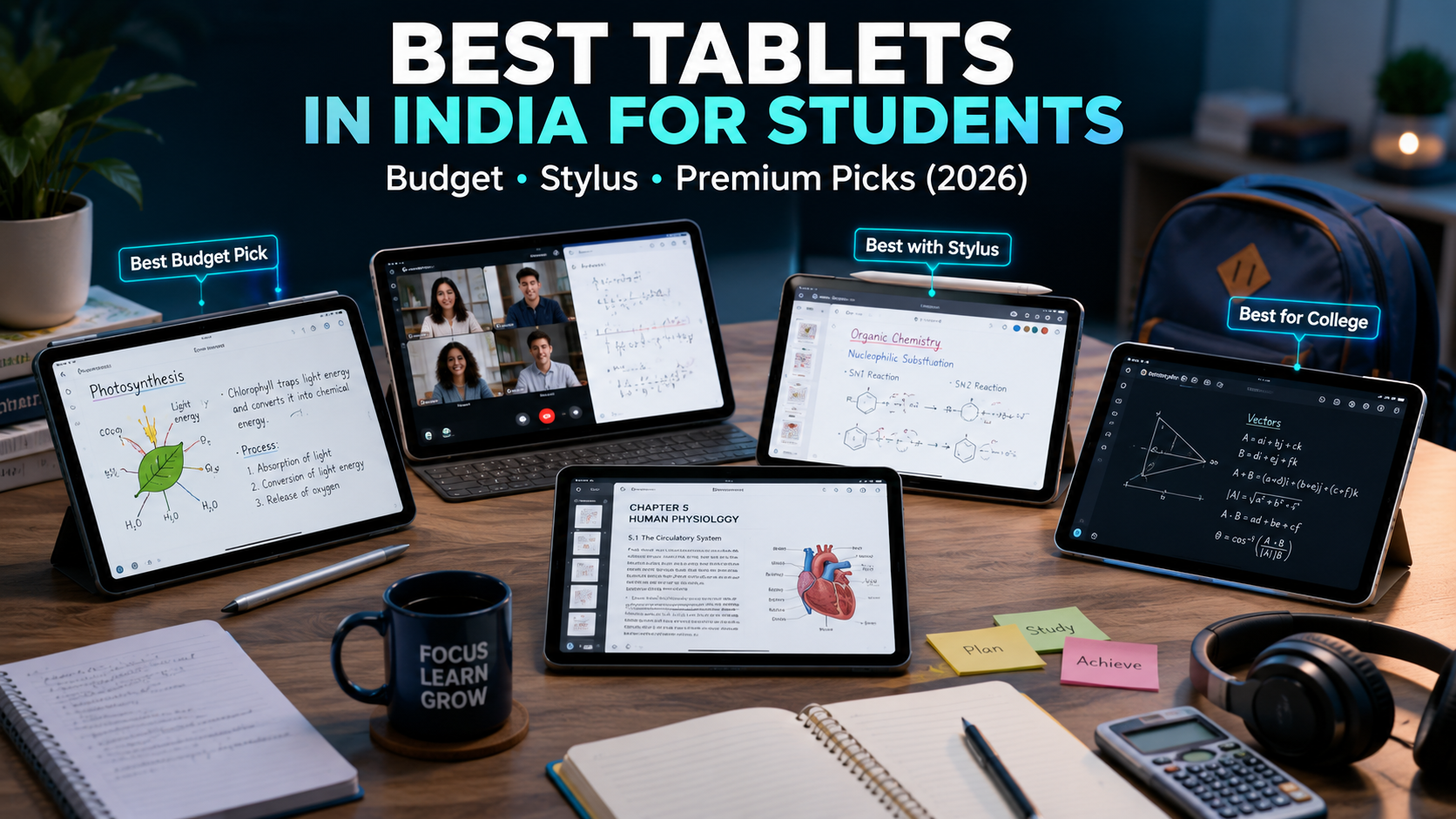
Best Overall for Most Students: Samsung Galaxy Tab A9+
Display: 11″ IPS LCD, 90Hz | RAM/Storage: 8GB/128GB | Battery: 7,040mAh | Pen Support: Passive only
The Tab A9+ is the most balanced all-rounder in its price range for Indian students, and it’s not particularly close. Samsung’s software support is among the best in Android — you’re looking at multiple years of OS updates, which matters if you’re buying this for a three to four year stretch of college.
The 11-inch 90Hz display is sharp enough for extended reading without discomfort, and Dolby Atmos speakers make online lectures actually audible in a noisy room. Multitasking between Zoom, Chrome, and a note app feels smooth at 8GB RAM.
The trade-offs are real though: no active stylus support (the S Pen is reserved for the pricier S-series), and the 7,040mAh battery is smaller than some competitors at this price. In practice, you’ll get a comfortable day of use, but heavy users might need a top-up by evening.
Best for: College students who want a reliable all-rounder with strong software support.
Best Budget Pick Under ₹15,000: Redmi Pad SE
Display: 11″ IPS LCD, 90Hz | RAM/Storage: 6GB/128GB | Battery: 8,000mAh | Pen Support: Passive only
Honestly, the Redmi Pad SE is a bit of an overachiever for its price. An 11-inch 90Hz display and an 8,000mAh battery at under ₹13,000 would’ve been considered a mid-range spec sheet two years ago. It runs every major Indian ed-tech platform — BYJU’S, Unacademy, Vedantu, Khan Academy — without lag, and the microSD slot means you’re not stuck at 128GB forever.
What you’re giving up: there’s no active pen support, the cameras are basic (which matters less for a study device), and the Snapdragon 680 chip won’t win any speed contests. But for school students, competitive exam beginners, or anyone on a strict budget, this is the most capable sub-₹15,000 tablet you’ll find right now.
Best for: School students, budget-conscious buyers, first-time tablet users.
Best for Handwritten Notes and PDF Annotation: Lenovo Tab P12
Display: 12.7″ IPS LCD, 60Hz | RAM/Storage: 8GB/128GB | Battery: 10,200mAh | Pen Support: ✅ Active stylus included in box
If handwritten notes are central to how you study — and for most UPSC, CA, or medical students, they are — the Lenovo Tab P12 is the standout recommendation. The 12.7-inch canvas is genuinely large enough to make annotation feel natural rather than cramped, and the included active stylus is pressure-sensitive with palm rejection.
The 10,200mAh battery is the largest on this list by a comfortable margin, and it shows — you can use this through a full day of offline studying without thinking about charging.
The 60Hz display is a noticeable step down from the 90Hz competition, and the tablet itself is heavier than most — something to think about if you’re commuting with it daily. But for a dedicated note-taking and annotation device that doesn’t require buying a stylus separately, this is the best combination of screen size, pen quality, and battery life in the market right now.
Best for: UPSC aspirants, CA students, heavy PDF annotators, anyone who relies on handwritten digital notes.
Best for Online Classes and Lectures: Realme Pad 2
Display: 11.5″ IPS LCD, 90Hz | RAM/Storage: 6GB/128GB | Battery: 8,360mAh | Pen Support: Passive only
The Realme Pad 2 is purpose-built for video-heavy use, and it shows. The quad-speaker setup is genuinely good for this price — attending live classes or watching recorded lectures feels more immersive than on most competitors. The 11.5-inch display is slightly larger than the Samsung Tab A9+, and the battery at 8,360mAh comfortably outlasts a full day of Zoom sessions and YouTube lectures.
Where it falls short is stylus support (passive only) and a more limited app ecosystem compared to Samsung. If your primary need is video consumption and online classes rather than active note-taking, this is a strong, underrated option.
Best for: Students attending daily live online classes, video-heavy learners.
If you’re recording study videos, presentations, or attending classes from a noisy hostel room, pairing your tablet with a decent mic makes a bigger difference than most students expect. Our guide to the best budget wireless mics with noise cancellation in India covers the most practical options under a student budget.
Best for Multitasking: OnePlus Pad Go / OnePlus Pad Lite
Display: 11–11.35″ IPS LCD, 90Hz | RAM/Storage: 8GB/128GB | Battery: 8,000mAh | Pen Support: Passive only
OnePlus has done something genuinely useful here: OxygenOS’s split-screen implementation and RAM management are among the smoothest in this price range. If your study routine involves running a video lecture in one half, a browser tab in another, and switching to a PDF without losing your place, the OnePlus Pad Go handles that better than most competitors under ₹25,000.
The trade-off, again, is active stylus support — it’s not there. And the OnePlus app ecosystem is slightly thinner than Samsung’s. But for sheer multitasking fluency at this price, it’s worth considering.
Best for: College students managing multiple apps simultaneously, multitaskers.
Best for Reliability on a Tight Budget: Nokia T21
Display: 10.36″ IPS LCD, 60Hz | RAM/Storage: 4GB/64GB | Battery: 8,200mAh | Pen Support: Passive only
The Nokia T21 makes one promise most budget tablets don’t bother with: guaranteed Android OS updates. For a device you’re planning to use for two to three years, that matters more than the spec sheet suggests — updated security patches, improved performance, and continued compatibility with evolving ed-tech apps.
The 4GB RAM and 64GB storage are limiting compared to the Redmi Pad SE at a similar price, and the 60Hz display isn’t as smooth. But for school students who need a stable, dependable device without surprises, Nokia’s track record here is genuinely reassuring.
Best for: School students, parents buying a first device, users who value software reliability over specs.
Best Performance Mid-Range: Xiaomi Pad 6
Display: 11″ IPS LCD, 144Hz | RAM/Storage: 8GB/256GB | Battery: 8,840mAh | Pen Support: ✅ Active stylus (sold separately)
The Xiaomi Pad 6 is where things get genuinely interesting. A 144Hz display in this price range is unusual and noticeably smoother for scrolling through long PDFs or reading dense notes. The Snapdragon 870 chip is several steps above anything else at this price — it’ll handle coding IDEs, simulation tools, CAD viewers, and heavy multitasking without complaint. Engineering and science students, in particular, will appreciate having actual processing headroom.
Active stylus support is present, but the pen costs extra — budget an additional ₹3,000–₹5,000 for the full experience. MIUI can feel heavy compared to stock Android, but it’s manageable.
From what I’ve seen, this is the most capable sub-₹30,000 tablet for engineering students or anyone doing technically demanding coursework.
Best for: Engineering students, NEET/JEE aspirants who want speed plus stylus support, technical users.
Best Premium Option: Apple iPad (10th Generation)
Display: 10.9″ Liquid Retina IPS, 60Hz | RAM/Storage: 4GB/64GB | Battery: ~10 hours | Pen Support: ✅ Apple Pencil 1st Gen (sold separately)
The iPad 10th Gen is the only genuine case where paying significantly more than Android alternatives makes rational sense for students — but only under specific conditions.
If you’re planning to use this device for four or more years of college and beyond, Apple’s software support track record is unmatched. iPadOS receives major updates for six to seven years after release, which means an iPad you buy today is still receiving new features and security patches when you’re graduating. The app ecosystem — particularly for note-taking apps like GoodNotes and Notability, and creative tools for design or medicine — is still meaningfully better than Android.
The honest limitations: Apple Pencil is sold separately (add ~₹9,000), there’s no microSD slot, and 64GB base storage feels tight for heavy offline lecture downloads. For students committed to the Apple ecosystem, or those studying design, medicine, or architecture, this is the long-term investment worth making.
Best for: Students investing for 4+ years, Apple ecosystem users, design and medical students.
Quick Comparison Table: Best Student Tablets in India 2026
| Tablet | Price (approx.) | Display | RAM | Battery | Active Pen | Best For |
|---|---|---|---|---|---|---|
| Samsung Galaxy Tab A9+ | ₹24,999 | 11″ IPS 90Hz | 8GB | 7,040mAh | ✖ No | Best Overall |
| Redmi Pad SE | ₹12,999 | 11″ IPS 90Hz | 6GB | 8,000mAh | ✖ No | Best Budget |
| Lenovo Tab P12 | ₹32,999 | 12.7″ IPS 60Hz | 8GB | 10,200mAh | ✔ Included | Note-Taking |
| Realme Pad 2 | ₹17,999 | 11.5″ IPS 90Hz | 6GB | 8,360mAh | ✖ No | Online Classes |
| OnePlus Pad Go | ₹19,999 | 11.35″ IPS 90Hz | 8GB | 8,000mAh | ✖ No | Multitasking |
| Nokia T21 | ₹14,999 | 10.36″ IPS 60Hz | 4GB | 8,200mAh | ✖ No | Budget Reliability |
| Xiaomi Pad 6 | ₹26,999 | 11″ IPS 144Hz | 8GB | 8,840mAh | ✔ Extra Cost | Performance |
| Apple iPad 10th Gen | ₹44,900 | 10.9″ Retina | 4GB | ~10 hrs | ✔ Extra Cost | Premium Pick |
Android vs iPadOS: Which Is Actually Better for Indian Students?
For most Indian students, Android is the practical answer, and it’s not a close call below ₹35,000.
Why Android wins at the budget and mid-range:
- Lower price points mean more features per rupee
- Indian ed-tech platforms (BYJU’S, Unacademy, Vedantu) are optimized primarily for Android
- microSD support on most models means expandable storage
- More variety in form factor and price across manufacturers
Where iPadOS genuinely wins:
- Software support longevity (6–7 years vs 3–4 for most Android tablets)
- Note-taking app quality — GoodNotes and Notability are still notably better than Android equivalents
- Creative app ecosystem for design, architecture, and media
- Resale value holds significantly better over time
The practical guidance: choose Android if your budget is under ₹35,000. Choose iPadOS if you’re a serious student planning to use the device intensively for four or more years and the higher upfront cost is feasible. Hybrid Windows tablets are largely impractical for Indian students — heavier builds, limited touch-optimized app support, and higher prices make them a poor fit at this stage.
Which Tablet Should You Buy for Competitive Exam Preparation?
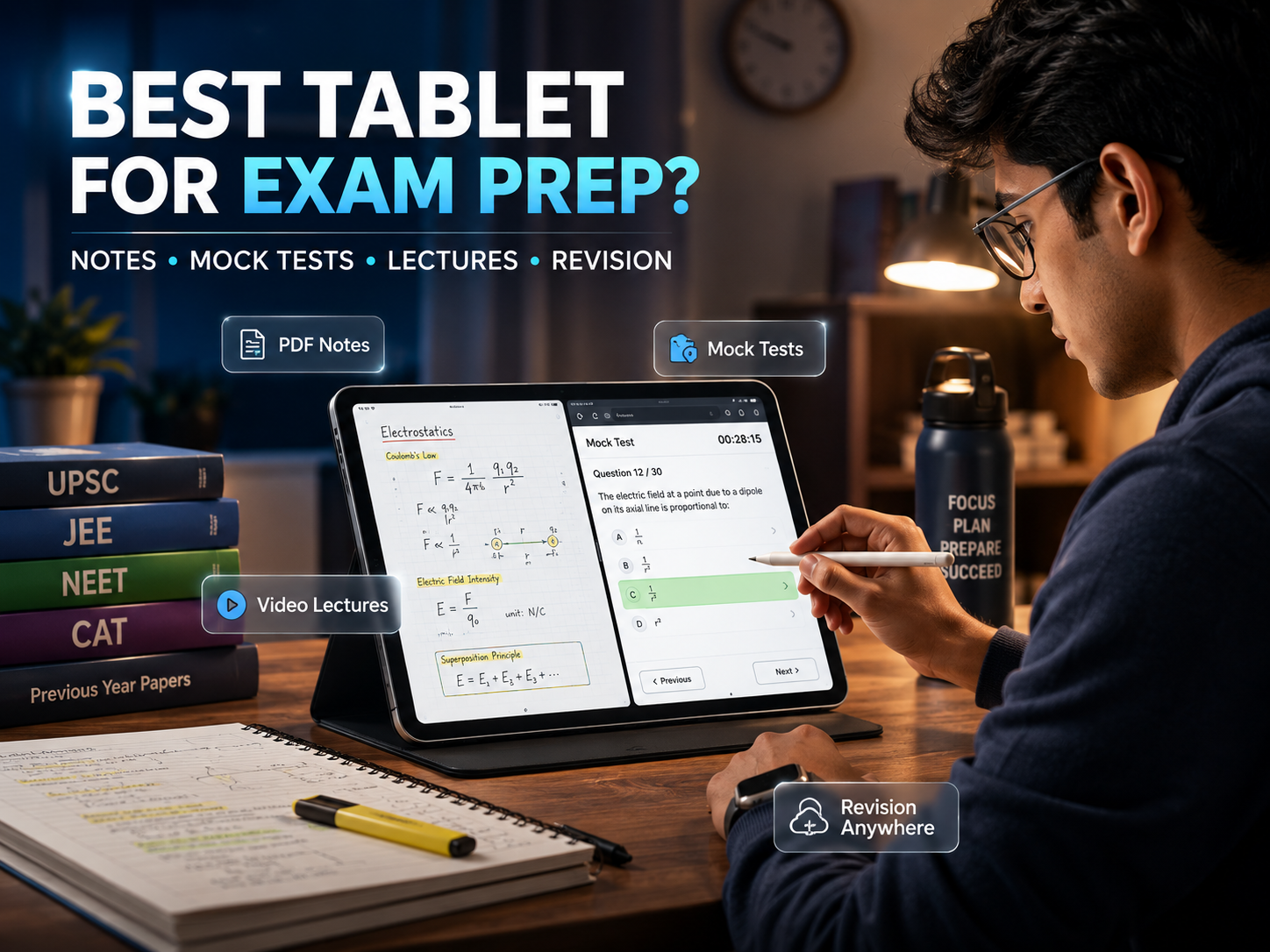
This deserves specific attention because JEE, NEET, and UPSC preparation have distinct requirements.
For JEE and NEET aspirants:
You’re dealing with complex diagrams, mathematical notation, and long study sessions — often 8–10 hours daily. Active stylus support is genuinely valuable here for working through problems and annotating study material. The Xiaomi Pad 6 is the strongest recommendation: fast enough to run multiple reference apps, good display for extended reading, and active pen support available. The Samsung Galaxy Tab S9 FE (if budget allows) also includes the S Pen and offers excellent Samsung Notes integration.
For UPSC aspirants:
The sheer volume of reading — newspapers, NCERT texts, current affairs compilations — demands the largest, most comfortable display you can afford. The Lenovo Tab P12 is purpose-built for this: 12.7 inches, included active stylus, and a 10,200mAh battery that won’t interrupt a long studying stint. The weight is a real trade-off for commuters, but for home study use, it’s the most comfortable reading and annotation experience under ₹35,000.
If you’re commuting with your tablet daily, a padded sleeve or a bag with a dedicated tablet compartment protects the screen without adding much bulk — the same features worth looking for in our guide to the best laptop bags in India.
Practical Setup: Getting the Most Out of Your Student Tablet
Buying the tablet is step one. Actually making it a useful study tool takes another ten minutes of setup.
Essential apps to install first:
- PDF reading and annotation: Xodo (free, excellent) or Adobe Acrobat
- Note-taking: Samsung Notes (on Samsung), Noteshelf or Nebo (Android), OneNote (cross-platform)
- Study platforms: Google Classroom, Zoom, your ed-tech platform of choice
- Productivity: Google Docs and Sheets handle most assignment work; Microsoft Office apps are free to download but full features require a subscription
A few practical tips from actual use:
- Enable Digital Wellbeing (Android) or Screen Time (iPad) immediately and set app limits. A study device that becomes a YouTube and social media device is just expensive entertainment.
- Set up Google Drive or OneDrive for automatic note backup from day one. Losing a semester’s worth of handwritten digital notes to a dead tablet is the kind of experience that changes how you think about cloud backup.
- If you’re buying a stylus-capable tablet, spend ten minutes calibrating the pen in the manufacturer’s settings app — it makes a noticeable difference in accuracy.
- For online classes with poor audio, a budget Bluetooth speaker outperforms tablet speakers. But the Realme Pad 2 and Samsung Tab A9+ are genuinely good exceptions.
For online classes with poor audio, a budget Bluetooth speaker outperforms tablet speakers. If you’re also looking for something more portable, a good pair of earbuds with a noise-cancelling mic makes a real difference during live Zoom sessions — here’s our guide to the best earbuds under ₹2,000 with noise cancellation worth pairing with your tablet.
Where to Buy and What to Watch For
Most tablets on this list are available on Amazon.in, which is the safest and most convenient option for the majority of Indian students. A few things worth checking before you confirm the purchase:
- “Fulfilled by Amazon” listings are preferable — faster delivery, smoother returns, and more reliable warranty processing.
- Verify the seller rating (4+ stars, significant review volume) and confirm the listing says the item is new.
- Check that a 1-year manufacturer warranty is explicitly mentioned in the product description.
- Amazon sale events — the Great Indian Festival, Prime Day, and Diwali sales — routinely drop tablet prices by ₹2,000–₹5,000. If your purchase isn’t urgent, waiting for one of these events is worth it.
- Most tablets in the ₹20,000–₹45,000 range are eligible for No-Cost EMI, which makes premium options significantly more accessible on a monthly student budget.
Conclusion: Match the Tablet to How You Actually Study
Here’s the honest decision framework:
Under ₹15,000: The Redmi Pad SE is the clear answer. Large display, solid battery, runs everything. The Nokia T21 is worth considering if long-term software updates matter more to you than specs.
₹15,000–₹25,000: The Samsung Galaxy Tab A9+ for versatility and software support. The Realme Pad 2 if online classes and video quality are your priority. The OnePlus Pad Go if you’re a heavy multitasker.
₹25,000–₹35,000: The Xiaomi Pad 6 for performance and stylus-capable study at this price. The Lenovo Tab P12 specifically if you take handwritten notes daily and want the largest display available.
Above ₹35,000: The Apple iPad 10th Gen, if you’re investing for the long term and the Apple ecosystem suits your study workflow.
The best tablet for students in India isn’t the most expensive one or the one with the highest benchmark scores. It’s the one that fits your study style, survives your budget, and doesn’t become a distraction. Figure out which of those categories you’re in, check for active pen support if you need it, and make your decision based on your actual workflow — not feature lists you’ll never use.
One last thing worth saying: whatever you buy, set it up as a study tool from day one. Install your note apps, set your digital wellbeing limits, back up to the cloud. A good tablet used poorly is still a distraction. A modest tablet used with intention is a genuinely powerful study companion.
Frequently Asked Questions
FAQ 1: Which tablet is best for school students in India under ₹15,000?
The Redmi Pad SE at ~₹12,999 is the strongest pick. Large 11-inch display, 8,000mAh battery, runs all major ed-tech apps. The Nokia T21 (~₹14,999) is worth considering if guaranteed software updates matter more than raw specs.
FAQ 2: Can I use a tablet instead of a laptop for college?
For most arts, commerce, and humanities courses, yes — pair a good tablet with a Bluetooth keyboard and you have a capable setup. Engineering and computer science students are likely to find a laptop more practical for coding-heavy tasks. For most other undergraduate workloads, a tablet handles it.
FAQ 3: Does the Redmi Pad SE support a stylus pen?
Only a passive (capacitive) stylus — not an active pressure-sensitive one. For serious handwritten note-taking, look at the Lenovo Tab P12 (active stylus included) or Xiaomi Pad 6 (active stylus sold separately).
FAQ 4: Which tablet is best for UPSC preparation in India?
The Lenovo Tab P12 is the strongest recommendation: 12.7-inch display, included active stylus, and a 10,200mAh battery that handles long study sessions without a charge top-up.
FAQ 5: How much storage do students actually need?
64GB is the realistic minimum; 128GB is the comfortable sweet spot for offline lecture downloads and PDF libraries. Always prioritize tablets with a microSD card slot — it gives you cheap, expandable storage when you need it.
FAQ 6: Is it safe to buy a tablet from Amazon.in?
Yes — stick to “Fulfilled by Amazon” listings from sellers with strong ratings, confirm the 1-year manufacturer warranty is included, and verify the item is listed as new rather than renewed if that’s what you want.
Written by Rahul Mehta: Rahul Mehta is a technology content writer covering consumer electronics, digital products, and practical buying guides for everyday users. His work focuses on simplifying product research and helping readers make informed purchase decisions through clear, accessible, and research-driven content.
Affiliate Disclosure: This article contains affiliate links. If you make a purchase through these links, we may earn a small commission at no additional cost to you. This helps support our content and allows us to continue publishing helpful product guides and recommendations. All recommendations are based on independent research and editorial evaluation.
Disclaimer: This article is based on publicly available information, product listings, specifications, pricing trends, and market research available at the time of publication. Product availability, pricing, discounts, and specifications may change over time depending on brand updates, retailer policies, and market conditions. Readers are encouraged to verify the latest specifications, compatibility, warranty coverage, and current pricing directly from the official seller or platform before making a purchase decision. This content was initially drafted with AI assistance and has been carefully reviewed, edited, refined, and fact-checked by human editors to ensure accuracy, clarity, originality, and editorial quality.